
involve.ai is a platform that allows companies to unify their data and gain insights through their AI algorithm.

My Role
UX/UI Designer reporting directly to the UX/UI Director. Explored complex problem spaces and created high-fi prototypes.
Major Contributions
Designed key workflows for the new automation feature that is now in development.
Technologies
Figma (high fidelity prototyping & wireframes) & Sketch (transferring source files)
Work Example: Automation
The Problem
Current users and potential customers have asked for automation in the involve.ai platform so they can quickly take action on changes in their data.
Automation for involve.ai needed to be more customizable than existing automation workflows from other platforms. This is because we needed the ability to create triggers based on data changes.
The overall workflow needed to be intuitive enough for the average user to be able to quickly put together an automation that fits their needs.
My Process
Understand how automation works on other platforms
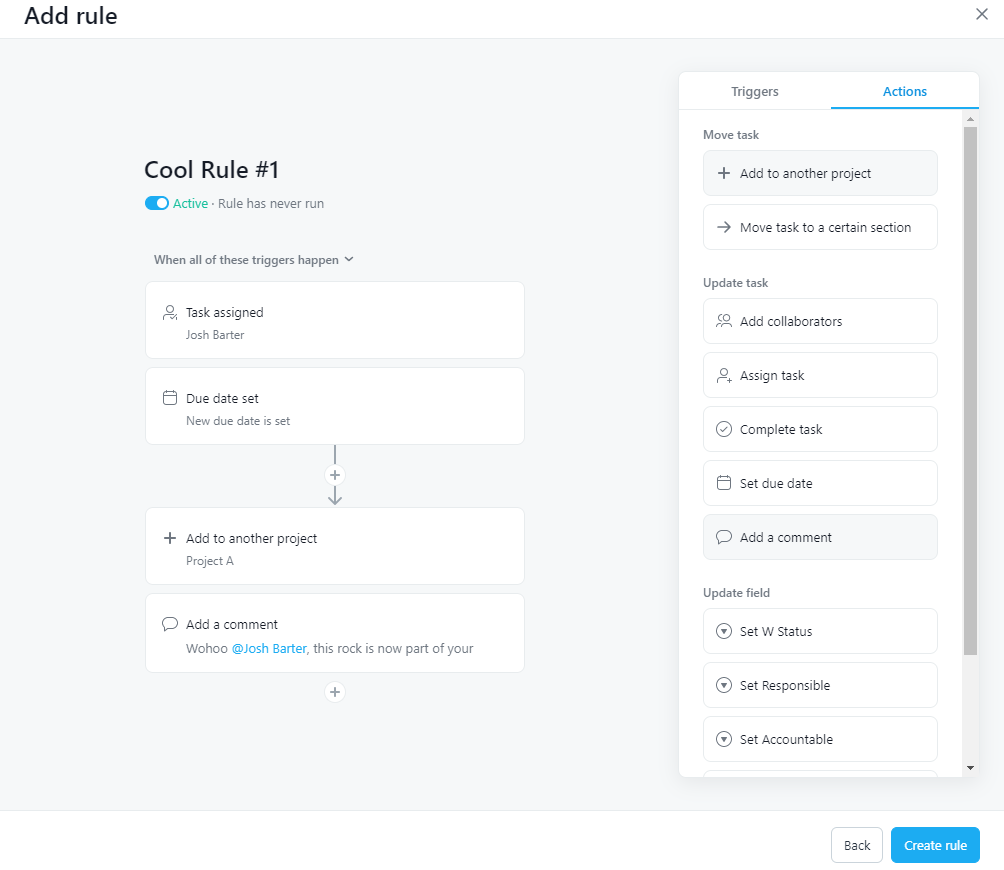
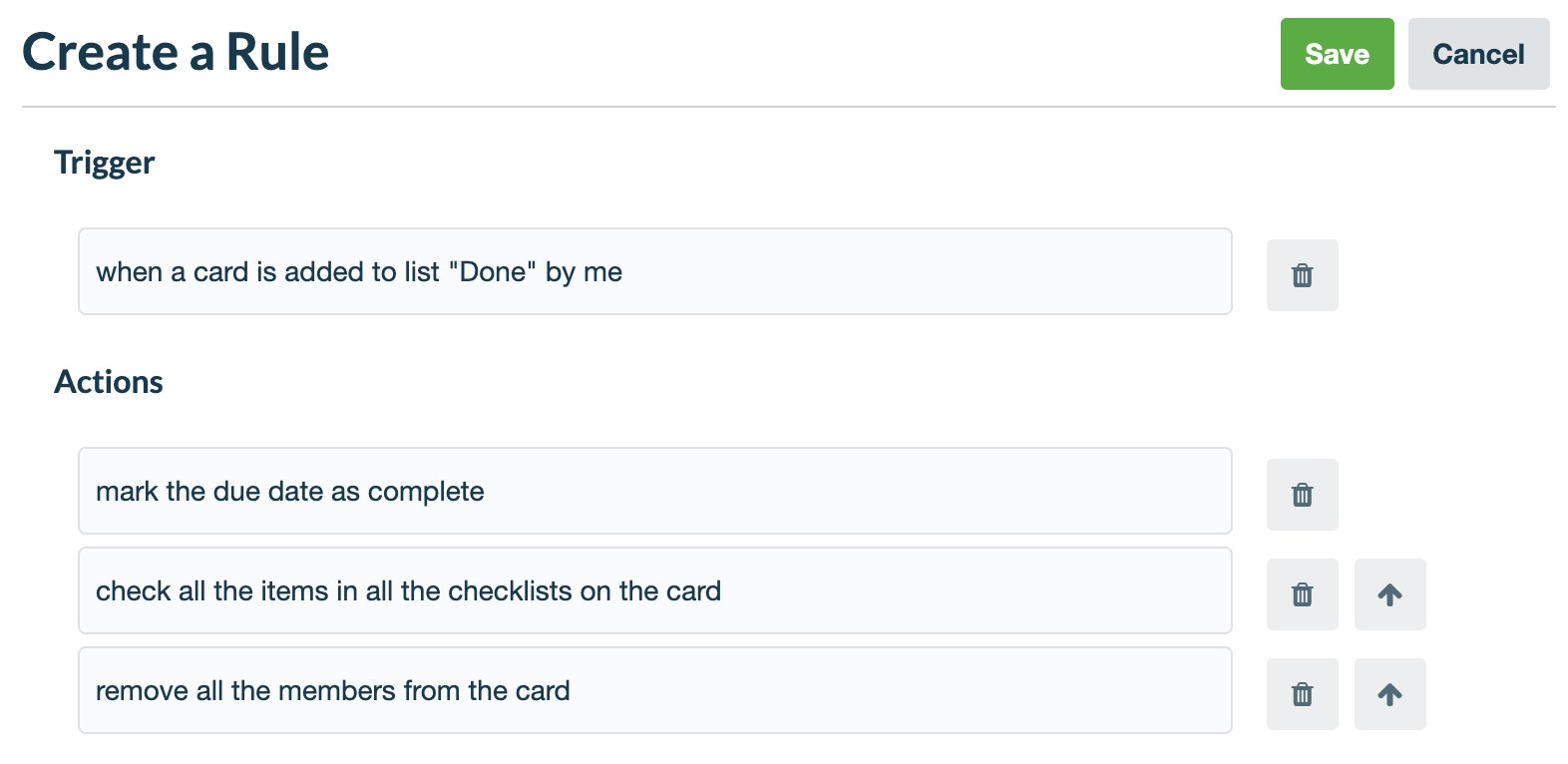
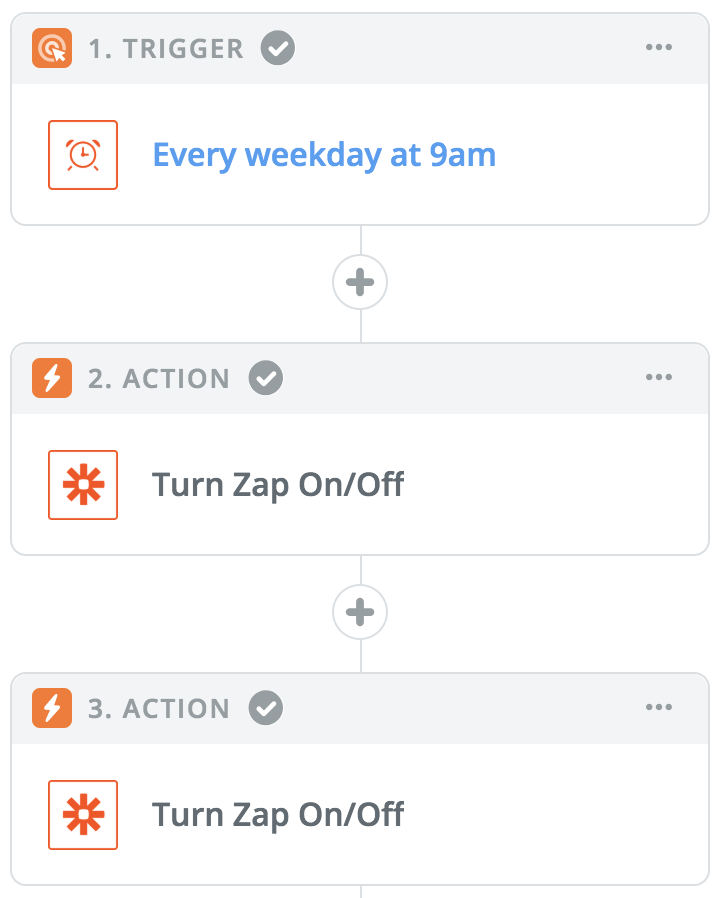
Conducted a competitive analysis of Zapier, Trello, and Asana to determine their pros and cons and understand how automation functions.
Define the requirements & constraints for our platform
Worked with the product team to define requirements and constraints for the automation feature MVP.
Create wireframes & iterate with the product team
Based on discussions about requirements and constraints, I began creating the first versions of the feature in order to get feedback and iterate further.
Design high-fidelity clickable prototype in Figma
After iterating on the wireframes, I designed out the feature in Figma that included clickable prototypes of all potential flows in selecting various triggers and actions.
Trello
Asana
Competitive Analysis
Zapier
This competitive analysis gave me understanding of automation and the “Create a rule” flow functions on these various platforms. With this knowledge, I was better informed when we began discussing requirements and constraints for automation on the involve.ai platform.
Requirements & Constraints
In this stage of the process, I worked with the product team and engineering team to define requirements and constraints for this feature.
When defining requirements, we had to discuss what functionality we would include for the MVP of this feature and what the future would look like as we built it out.
When defining constraints, we had to work closely with the engineering team to understand what aspects of the feature were the most difficult. Through these conversations, we were unable to understand some of the difficulties with this feature and made some compromises in order to keep the timeline for delivery.
Results
A Figma prototype with flows for every possible trigger and action flow, including all interactions with filtering, text input, dropdowns, etc. for engineering to follow in development.
The feature is currently in development and will make involve.ai more attractive to potential customers while also bringing additional functionality for existing customers.
See Figma prototype below